
Android TV app
Box Seats, on your TV
The Box Seats app is our own player for Android TV, Google TV, Android phones and tablets. Sign in once with the details we email you after purchase, and your live channels, movies and series arrive as fast, remote-friendly screens built for the biggest display in the house.Free to install, on Android TV OS 8.1 or newer. The APK is for TV boxes and Firesticks without Google Play; phones, tablets and Google TV can use the Play listing.Setup guides
Install Box Seats on any device
Pick your device and follow the step-by-step guide. Each one says what it runs on and the best free app to use.
Android TV OS 8.1+
Android TV
Runs on Android TV and Google TV, on any TV or box running Android TV OS 8.1 or newer.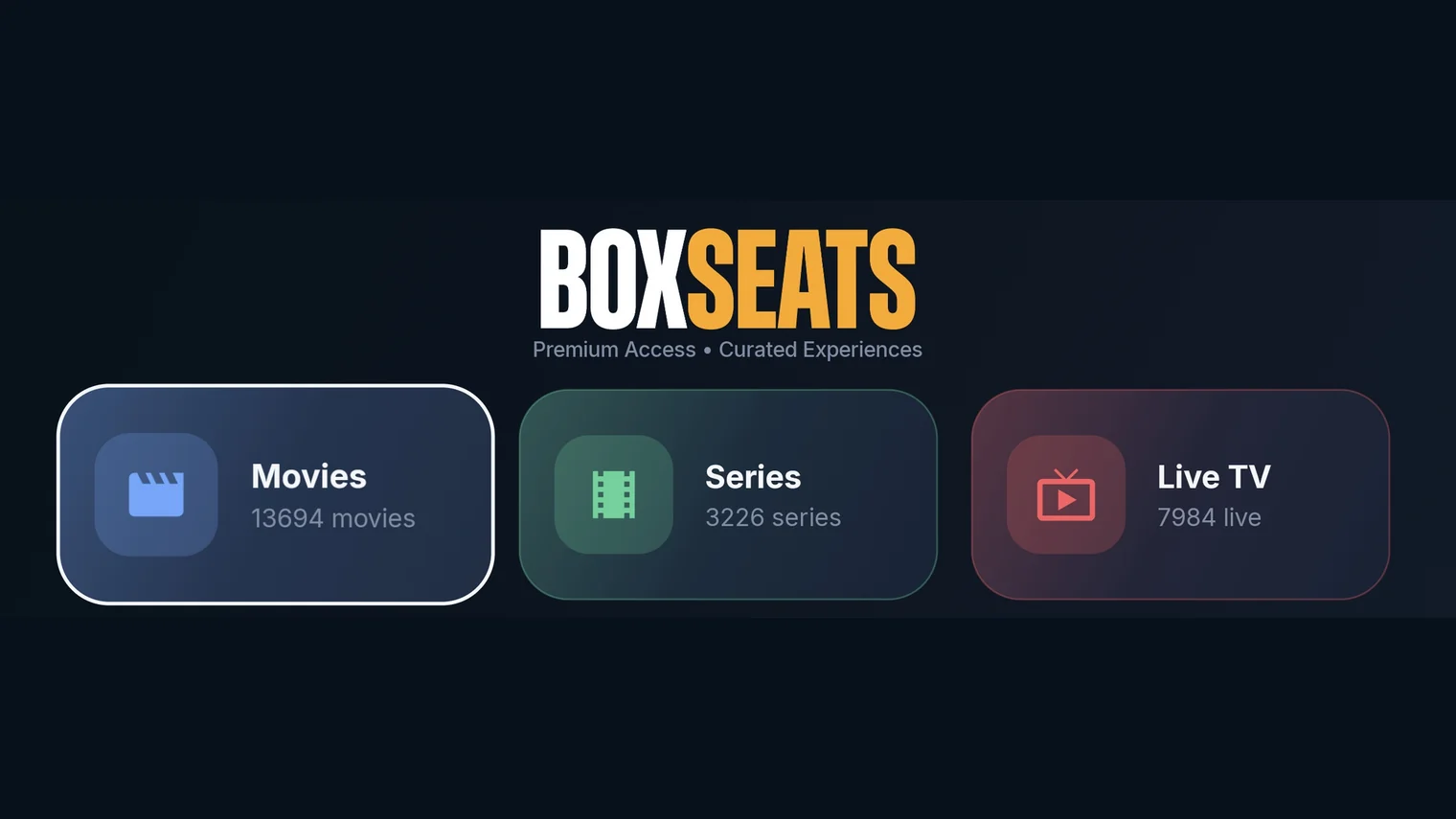
Box Seats app
Best free app for this device · Direct APK, or Google Play on Google TVFree
01
Download the Box Seats app: the APK from boxseats.tv on a TV box, or the Play Store listing on Google TV.
02
Open the app once it has installed.
03
Sign in with the details we email you after purchase.
04
Your live channels, movies and series are on the three tiles of the home screen.
Three tiles, the whole library
The home screen is three tiles — Movies, Series and Live TV — with the count of what is behind each one, and the remote takes you straight in.Movies and SeriesShelves or classic sidebar categories, continue watching, resume where you stopped and the next episode plays itself. Search the whole library from the top of any screen.
Live TVFavourites, recently watched and your own channel groups; a full EPG you can search, with catch-up where your package offers it; live rewind; and recordings scheduled straight from a guide entry.
The playerSubtitles, audio tracks, aspect ratio, speed and quality controls, and parental controls that hide categories or lock them behind a PIN.
Get started