
Android TV app
Box Seats, on your TV
The Box Seats app is our own player for Android TV, Google TV, Android phones and tablets. Sign in once with the details we email you after purchase, and your live channels, movies and series arrive as fast, remote-friendly screens built for the biggest display in the house.Free to install, on Android TV OS 8.1 or newer. The APK is for TV boxes and Firesticks without Google Play; phones, tablets and Google TV can use the Play listing.Setup guides
Install Box Seats on any device
Pick your device and follow the step-by-step guide. Each one says what it runs on and the best free app to use.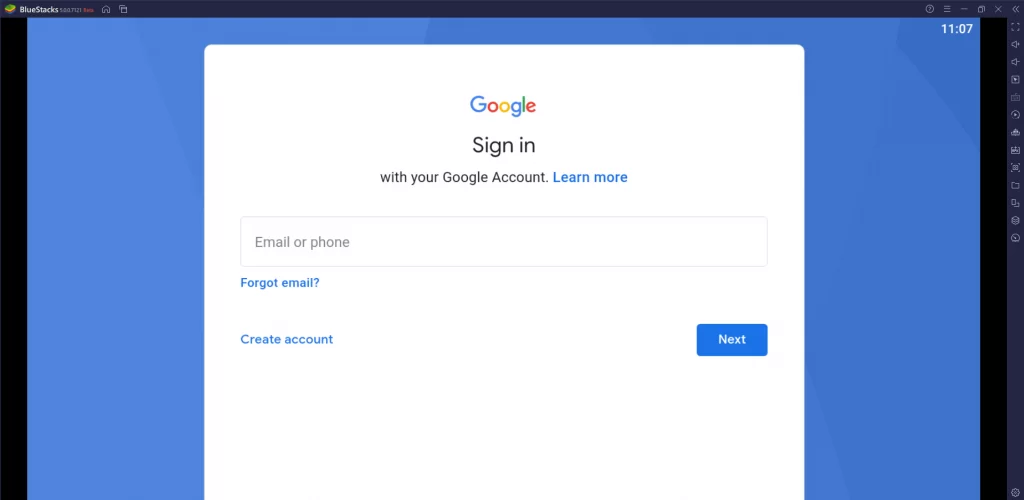
Windows · macOS
PC (Windows / Mac)
Runs on Windows and macOS through the BlueStacks Android emulator, which plays the same app a phone does.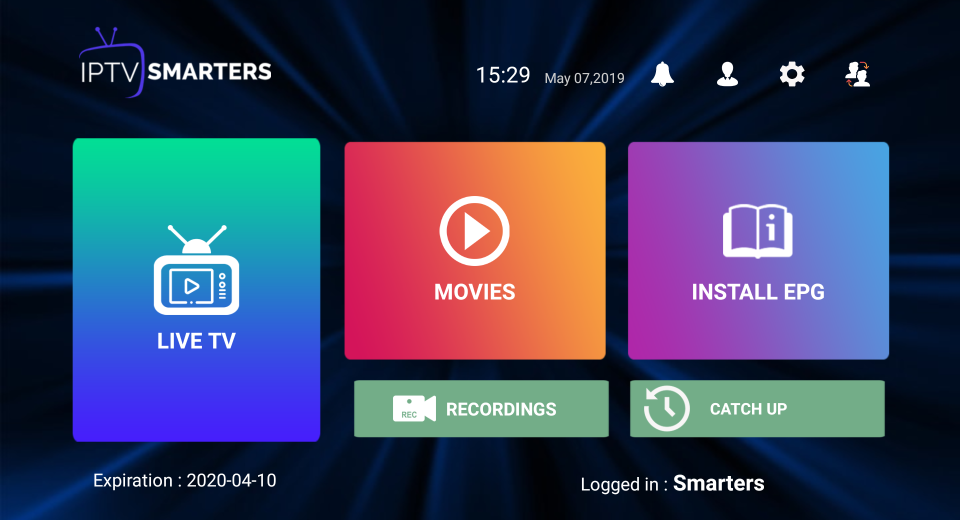
IPTV Smarters
Best free app for this device · APK, inside BlueStacksFree
01
Open a web browser on your PC.
02
Search for IPTV Smarters and download the APK from the official website.
03
Visit bluestacks.com and install the BlueStacks emulator.
04
Open BlueStacks and sign in with your Google account.
05
Select Install APK on the right-hand menu and choose the IPTV APK file.
06
Log in to the application with your subscription details.
Get started